SFTP
The SSH File Transfer Protocol (SFTP) is a secure file transfer protocol that runs over the SSH protocol. It provides a secure way to transfer files between a local and a remote computer.
omniload supports SFTP as a data source.
URI Format
The URI for connecting to an SFTP server is structured as follows.
sftp://<username>:<password>@<host>:<port>/path/to/data.parquet
URI components
- host:
The hostname or IP address of the SFTP server.
- port:
The port number of the SFTP server (defaults to 22 if not specified).
- username:
The username for the SFTP server.
- password:
The password for the SFTP server.
Examples
To integrate omniload with an SFTP server, you need the server’s
hostname, port, a valid username, and a password.
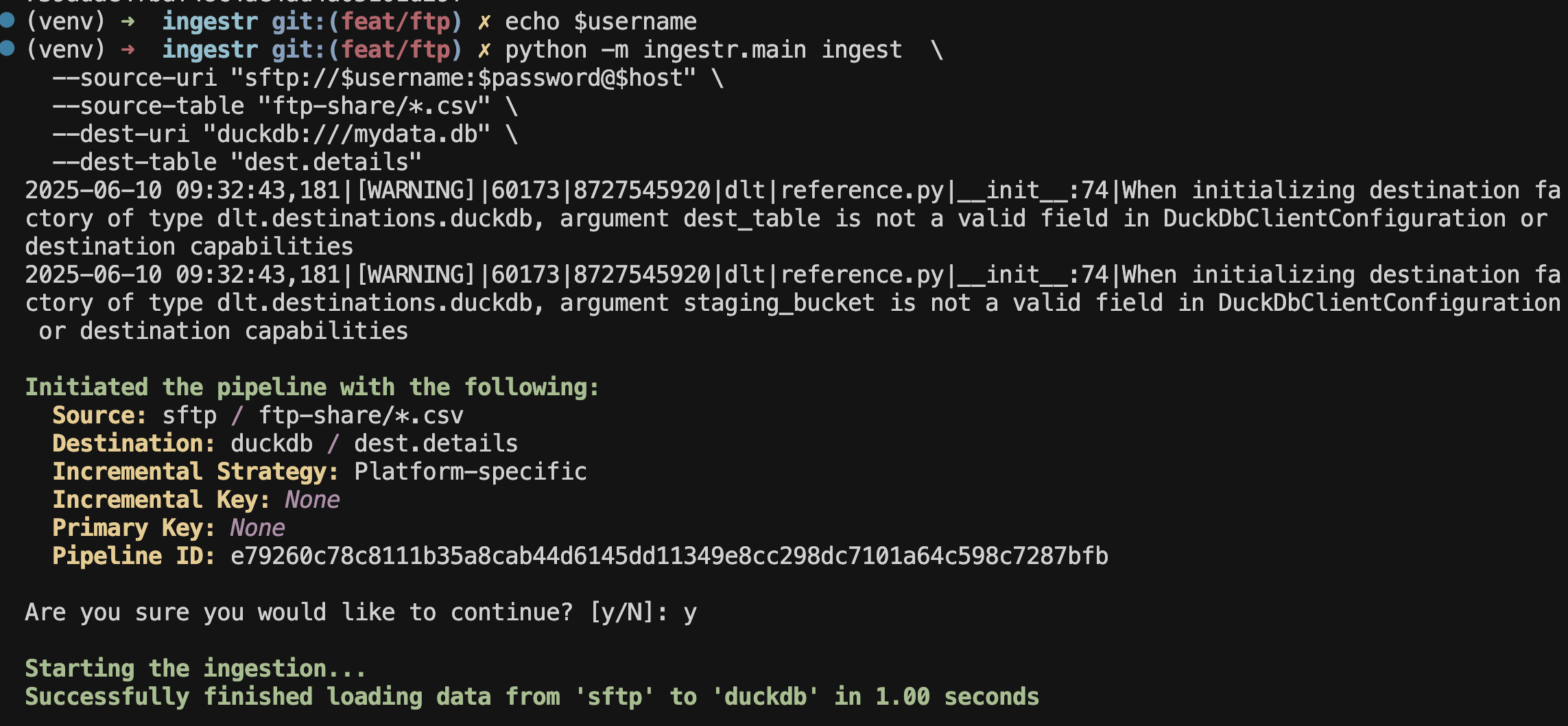
Load CSV data from SFTP into DuckDB
omniload ingest \
    --source-uri 'sftp://myuser:MySecretPassword123@sftp.example.com' \
    --source-table 'user.csv' \
    --dest-uri 'duckdb:///sftp_data.duckdb' \
    --dest-table 'dest.users_details'
Running the command creates a table named users_details within the
dest schema in the DuckDB database file located at sftp_data.duckdb.
Tip
Here, instead of defining the remote resource exclusively per source URI
using its <path> component, the --source-table option can specify the
base directory on the server where omniload should start looking for files.